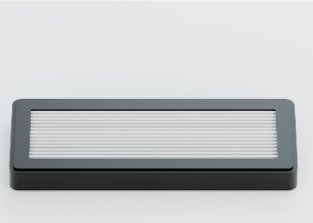
Assay Chips should be brought to room temperature before opening and must be used upon opening. Do not store opened chips for later use. Once the Assay Chip is removed from the packaging, incubate it in a humidity chamber. This reduces the risk of evaporation and bubble introduction during the protocol. ONI recommends using a designated humidity chamber such as Simport Stain Tray M918-2™. This will provide three advantages: a humid environment to avoid evaporation from the lane inlet and outlet, protection of the sample from light, and avoiding chip movement during pipetting. Humidity chambers can be made with available lab equipment (such as slide storage boxes or dark-colored plastic freezer boxes) provided they meet the advantages listed above. Liquid should always be added to the inlet hole makered “IN”. To create a seal and ensure constant liquid delivery, insert the pipet tip at a 90° angle, hold the pipet vertically, and press down firmly before you begin dispensing liquid. If liquid spills out of the inlet, press the pipette tip down harder to ensure a full seal. Ensure that liquid is flowing into the chip lane by watching the meniscus during liquid deposition. It is important to minimize the introduction of bubbles when pipetting. To reduce bubbles, we suggest using p20 or p200 pipette tips, only pipetting to the first stop, and keeping consistent pressure until the pipette tip has been removed from the inlet (to reduce backflow). As you pipet liquid into the inlet hole, the liquid will flow through the lane and exit through the outlet marked “OUT”. We suggest removing excess liquid as it flows out of the outlet using a vacuum aspirator, by placing it gently next to the outlet hole. If you do not have access to an aspirator, use a laboratory dust-free wipe to remove excess liquid. Regardless of method, ensure there is minimal spillover from one lane outlet to another. Lanes should contain liquid throughout the entire experiment. If there are bubbles within the lane, or liquid has been inadvertently removed, wash the lane with 100 µL of Wash Buffer to dislodge bubbles and reintroduce the intended liquid.
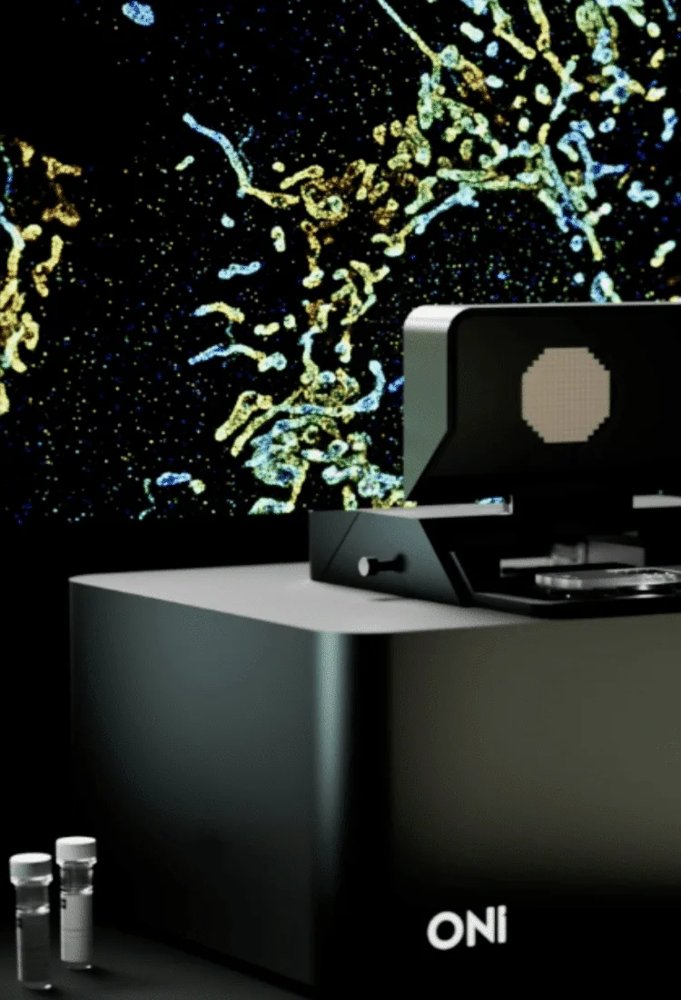
Acquisition, analysis and reporting in one place Flexible software for every environment Sample to answer CODI is a comprehensive software solution with automated image acquisition, analysis and reports anyone can use Flexible data access CODI runs in the cloud to allow analysis from everywhere, or offline to support local data and instrument control Analysis & reporting simplified Analysis app workflows can be customized to analyze hundreds of datasets and generate reports with ease Sharing and collaboration CODI cloud makes it easy to organize datasets and analyses into collaborations and instantly share them with collaborators. One platform, two ways to work CODI cloud CODI offline Analyze your data, your way Use CODI in the cloud or offline to acquire, analyze, organize, and report your data. Save analysis settings for specific experiments and apply them to newly acquired datasets to support reproducibility. Easily organize, analyze, and export images and reports. CODI cloud enables streamlined analysis, collaboration, and access from anywhere, while CODI offline runs locally in restricted-connectivity or air-gapped environments. What’s in CODI CODI space Datasets & collaborations Analysis workflows Share & export results With CODI you are able to Understand the morphology of my structure Understand how my molecules of interest organize Clean up my data to improve signal-to-noise ratio Identify EV subpopulations based on size or biomarker content Understand the morphology of my structure Single-molecule localization microscopy techniques, such as dSTORM, PAINT or PALM, pinpoint the position of individual molecules, providing morphological information of structures and the organization of proteins. To assess the distribution of a specific protein within a structure, a simple density profile measurement can be performed. 3D imaging and visualization further enhances the nanoscale information of structure morphology and protein organization. Understand how my molecules of interest organize One of the most powerful applications of SMLM is investigating spatial distributions down to the nanometer scale. The raw point cloud of localizations serves as the basis of nanoscale morphological analysis. CODI offers different clustering analyses including DBSCAN and our in-house extension of HDBSCAN called Constrained Clustering. Clustering on localization data allows researchers to find biological structures and quantify their morphological properties (size and shape), as well as determine presence or absence of specific markers of interest. Clean up my data to improve signal-to-noise ratio A critical part of SMLM imaging is removing noise to obtain accurate information and sensitivity for the analysis. To this end, the CODI analysis workflow includes a single-molecule filtering step that enables real-time visualization as users tune the filtering parameters, as well as default filters that serve as a great starting point for keeping only the most accurate data. Identify EV subpopulations based on size or biomarker content The EV Profiling App on CODI is the perfect analysis workflow for EV samples with various subpopulations, allowing you to quantify size and biomarker distributions from a collection of single EVs. The App includes a range of tools from drift correction, single-molecule filtering, clustering, cluster filtering, and counting of biomarker distribution. In addition, the batch analysis tool allows analysis automation by applying the same analysis settings to multiple datasets. CODI Apps CODI contains several app workflows to streamline and simplify single molecule data analysis. Each workflow is a unique combination of tools for a specific kind of dataset, all starting with the basics of spatial drift correction and single-molecule localization filtering.
CATEGORY
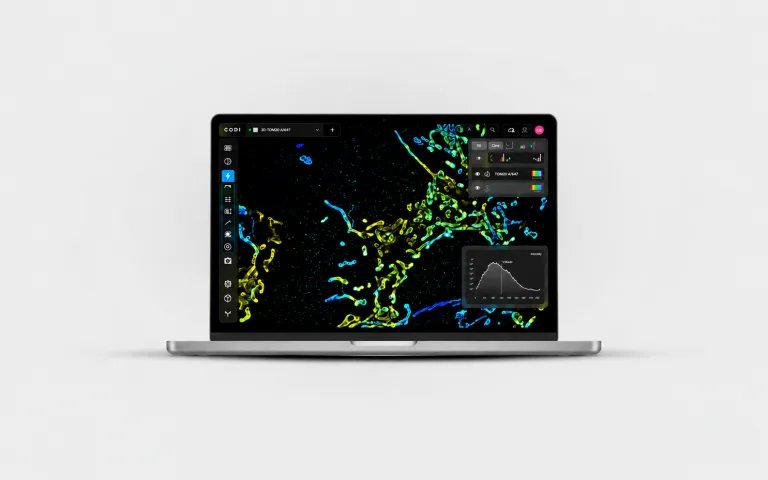
Powerful analysis, entirely within your environment CODI Offline brings the CODI experience directly to the Aplo Scope PC for laboratories with restricted connectivity, strict IT policies, or air-gapped environments. Control the instrument, acquire data, run supported workflows, analyze results, and generate reports without requiring an internet connection. Raw and processed data remain stored locally. - Operate without an internet connection - Keep raw and processed data stored locally - Support air-gapped and restricted-connectivity environments - Use a familiar interface consistent with CODI Cloud
CATEGORY
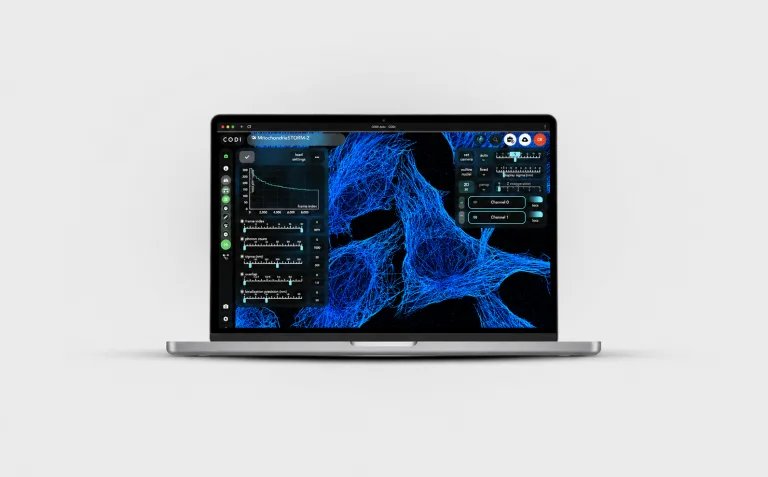
Connected analysis, built for collaboration CODI Cloud provides a streamlined environment for visualizing, analyzing, and managing your super-resolution data. Access datasets through the cloud, run supported analysis workflows, and move from acquisition to quantitative results in one connected experience. - Access and analyze your data through the cloud - Run supported visualization and analysis workflows - Easily manage and revisit datasets and results - Ideal for connected labs and collaborative workflows
CATEGORY